Industry Fundamentals: An in-Editor tutorial for Unity Industry developers
The Industry Fundamentals template is free to download from the Unity Hub for anyone with a Unity Industry subscription or a free trial.
This learning template consists of four tutorials that guide you through the workflows and steps to create a 3D interactive industrial application. New and intermediate Industry developers can explore it to advance their knowledge about human-machine interfaces, (HMI), real-time data, camera systems, and other core concepts.
Our aim with Industry Fundamentals is to help make your Unity development experience more efficient, focused, and inspiring. The tips you’ll pick up apply across different types of real-time 3D industrial applications: HMIs, training simulations, digital twins, or product configurators.
Across the guided tutorials, you’ll learn how to:
- Convert a CAD model into a 3D asset and import it into Unity with the Asset Transformer Toolkit.
- Optimize a 3D asset, including decimation, fixing normals, removing holes, and cleaning up the Hierarchy.
- Automate fixes and transformations using rule sets so your modifications are saved when you need to reimport a model.
- Finalize your scene by connecting your model to a live simulation dashboard.
The dashboard UI in the Industry Fundamentals template
See UI Toolkit, dynamic cameras, and Unity NavMesh in action
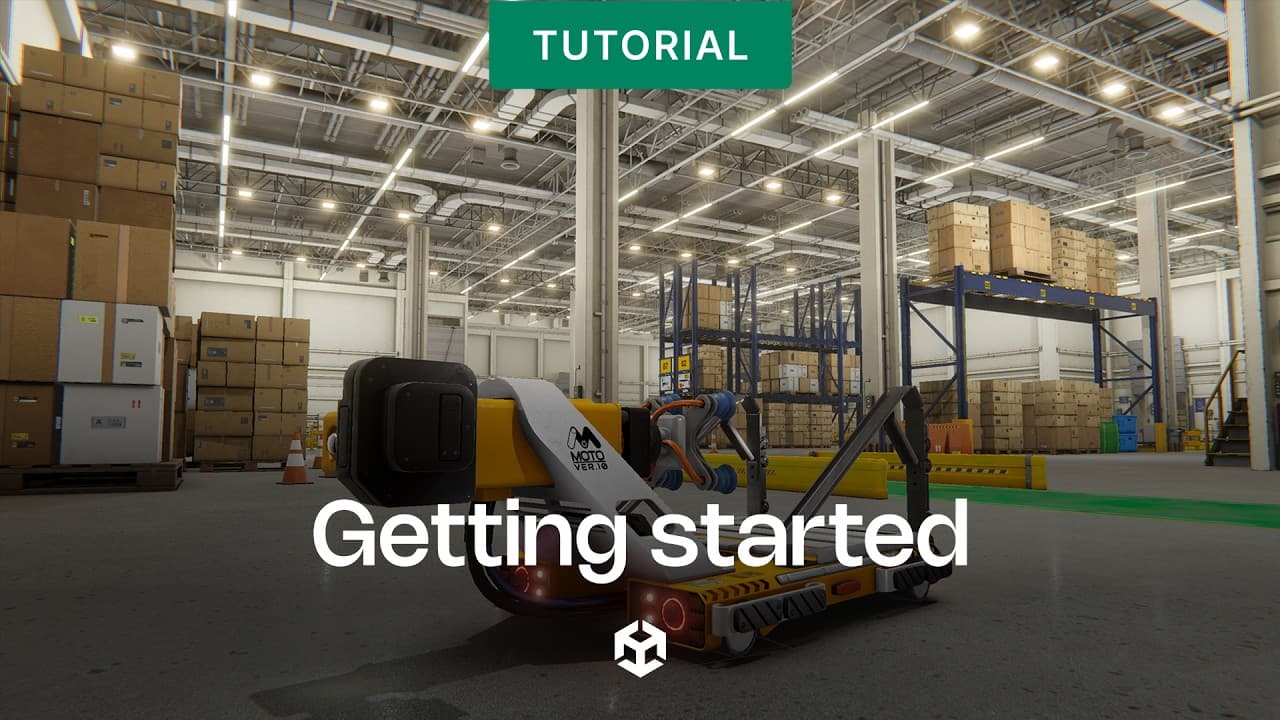
The final scene in the project is a warehouse simulation built around the robot model you convert, import and optimize. The top features at work in the scene include:
- UI Toolkit: The dashboard is built with Unity’s UI Toolkit and displays live robot data during the simulation, like battery level and system health. Data binding keeps the UI in sync with the simulation or real-time data from any data source, without manual updates in code.
- Navigation: Robots navigate autonomously using Unity’s NavMesh system, with C# logic that allows users to toggle robot pathfinding between manual control and a fully autonomous mode.
- Scripting: The simulation is driven by a set of C# scripts that handle robot behavior, state management, and data flow using ScriptableObjects to keep the data layer decoupled.
- Cinemachine: The scene uses the Cinemachine virtual camera system to manage camera behavior, demonstrating how it can integrate with runtime UI and scene logic.
- Universal Render Pipeline (URP): The scene is rendered using URP for optimized real-time lighting, baked lightmaps, and high-quality visuals across platforms, including the web.
Get access to Industry Fundamentals
The robot model in the Unity Industry Fundamentals template
If you are a Unity Industry subscriber:
1. Open the Unity Hub.
2. Create a new project.
3. Select Unity 6.4 as your Editor version and the template will be available to open in the Editor.
If you don’t have a Unity Industry subscription:
1. Go to our free trial page and follow the instructions to get a free trial.
2. Once your trial is active, follow the same steps as for Industry subscribers.
Finally, watch our 10-part video series that provides a great introduction to the template.
The best way to learn is to build! We hope you’ll download the template today, explore it, and use it as a springboard to building your next interactive 3D application.